


WALL RUN: A Complex Mobility Type
In this sub-guide you'll learn about Wall Run and the various techniques it involves.
The Basics
Wall Run is a state of a characater that allows them to run up walls. This state may be accquired with Wall Runner, PU Turbo Special Tuning Skills or Rapid Ability Cards. Iida has Wall Run as his passive ability. This is a massive mobility boost for most characters and this guide is here to explain how to take advantage of this tecnhique.



Step 1: Starting a Wall Run
You start wall running by doing one of 2 things:
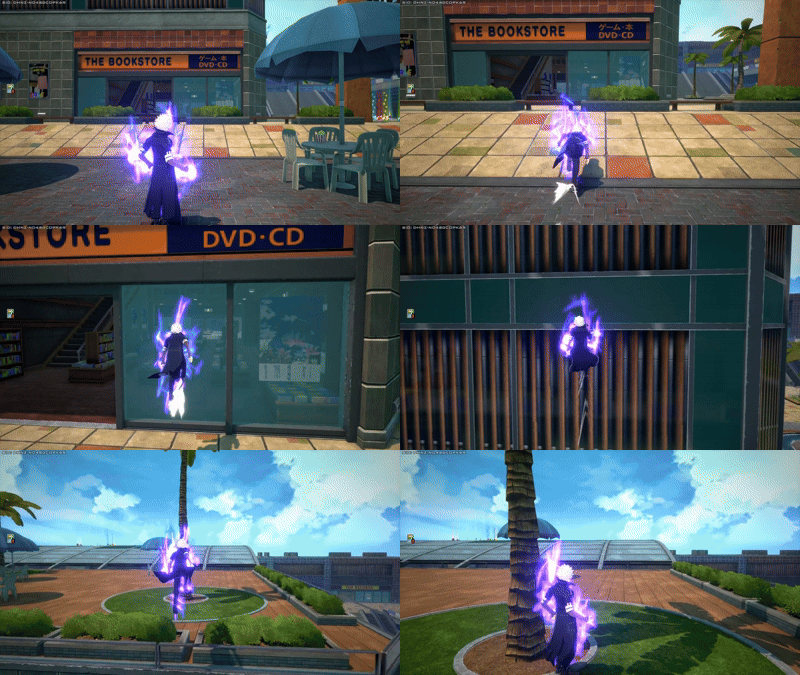
- Sprint towards a wall and just keep holding sprint. Your character will automatically transition into a wall run, and in some specific cases such as with Strike Kirishima's beta and when a character with Piggyback Special Action has someone on their back this is their only way to attach to the wall to wallrun.
- Second way to start the Wall Run is to grab on to the wall by pressing jump when facing one and holding onto it. Once you have grabbed on to the wall simply input sprint and your wall run will begin. You can input sprint in any direction from this point to begin the wall run in any direction.
Step 2: Wall Jumps
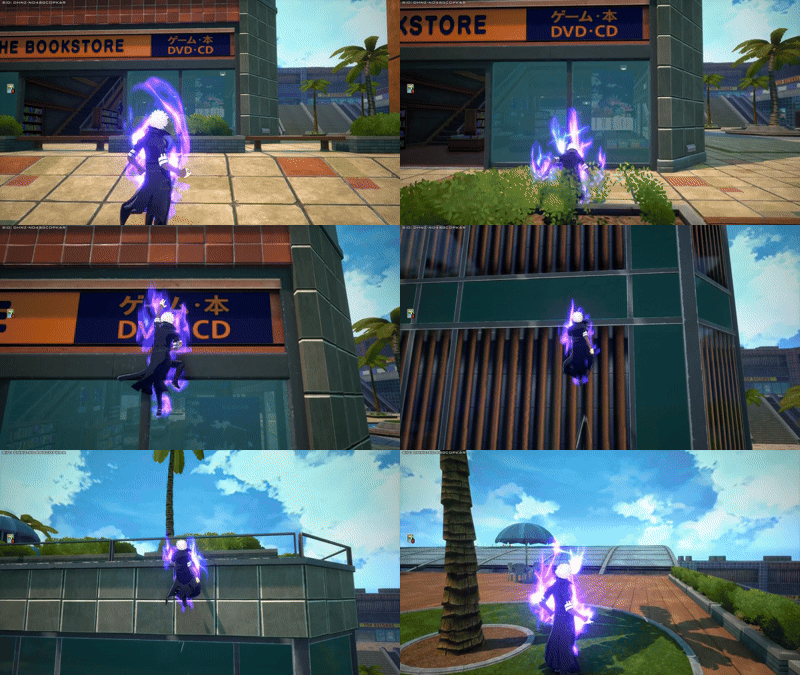
When jumping off a wall you will get increased momentum when compared to a normal jump. This momentum often carries well into most air melees or into some character specific actions for a huge boost like when Ochaco has float on or when combined with momentum amplifier abilities like Technical Mirio's alpha and Rapid Bakugo's alpha.
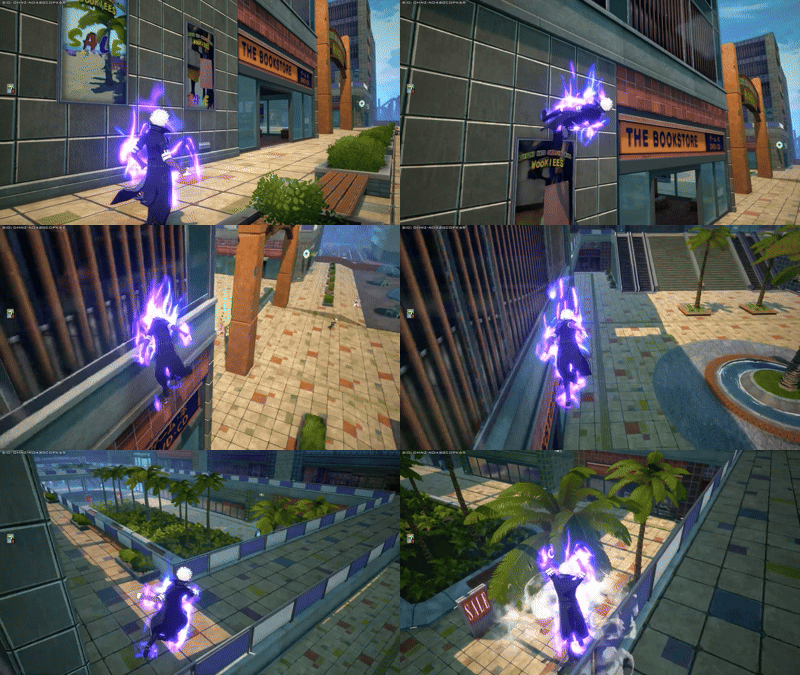
The next thing to mention is Super Jumps. These can be preformed by inputting jump while wall running and then during the jump animation you let go of your directional input. This will cause you to jump super high off a wall and again this often has character specific interactions which will (hopefully) be mentioned in the character guides.
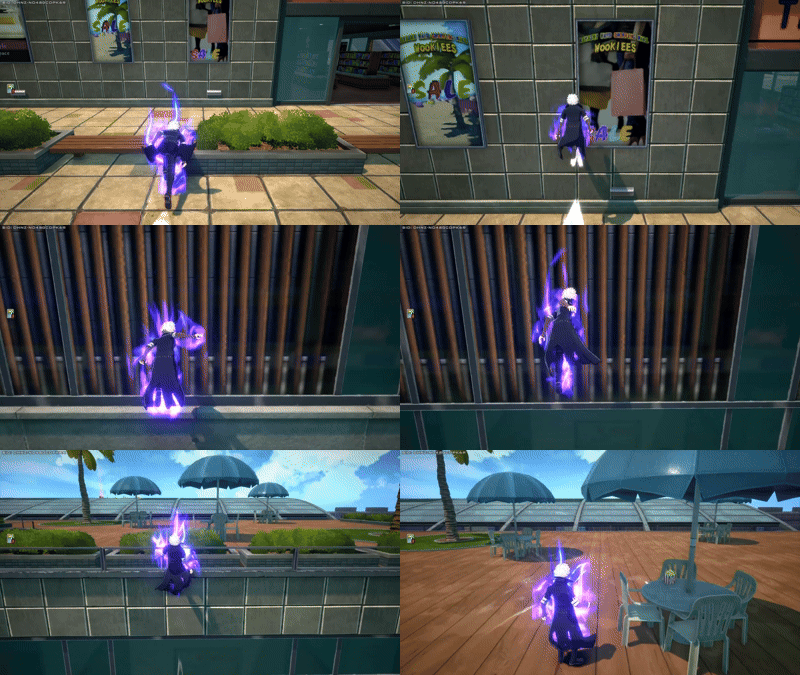
If you do the inputs and simply detach from the wall that means you let go of your directional input too early. If you reattach immediately or don't get that much height that means you let go of your directional input too late. Learning this timing can feel rather strict when first learning it but it's actually quite lenient.
There are a few quirks to Super Jumps:
- If you do a Super Jump too soon after attaching to a wall you will get a significant amount of forward momentum.
- After the high jump any directional input will cause your gravity to be increased dramatically, however this can be avoided by using a air melee for most characters.
- Super Jumps can be done in all directions off a wall not just up. You can do what is called a sideways Super Jump by doing the input when holding far right or left instead of up. Diagonal jumps are also possible and thes are generally better than jumping off the wall traditionally.
- You can change the direction of your Super Jump by inputting a new directional input right before letting go of your directional input for the jump, which lets you transition from a sideways wall run to a vertical super jump extremely fast.
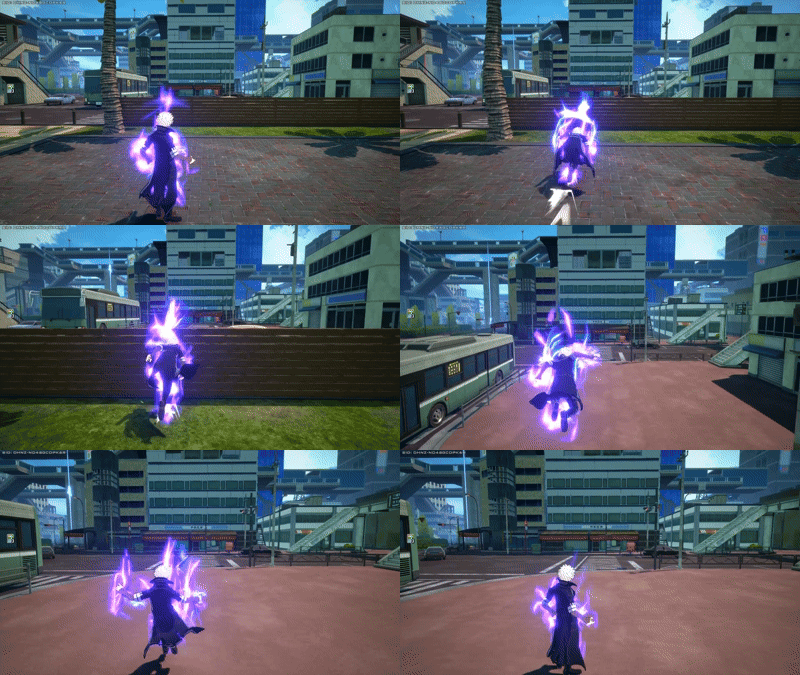
Step 3: Increasing Distance and Momentum
When going up a long wall you can chain multiple super jumps together but if you do it too quickly you wont go up as fast. It's best to wait roughly half a second in-between each Super Jump for maximum speed and efficiency.
When going for distance it's important to note that the increased gravity effect from a forward input can be avoided with an air melee so by doing sideways super jump or forward super jump (done by preforming a normal super jump extremely quickly after attaching to a wall) you can input an air melee and then immediately start holding in the direction you want to go in order to get increased distance from your directional input without suffering from the increased gravity effect.
A few important final notes
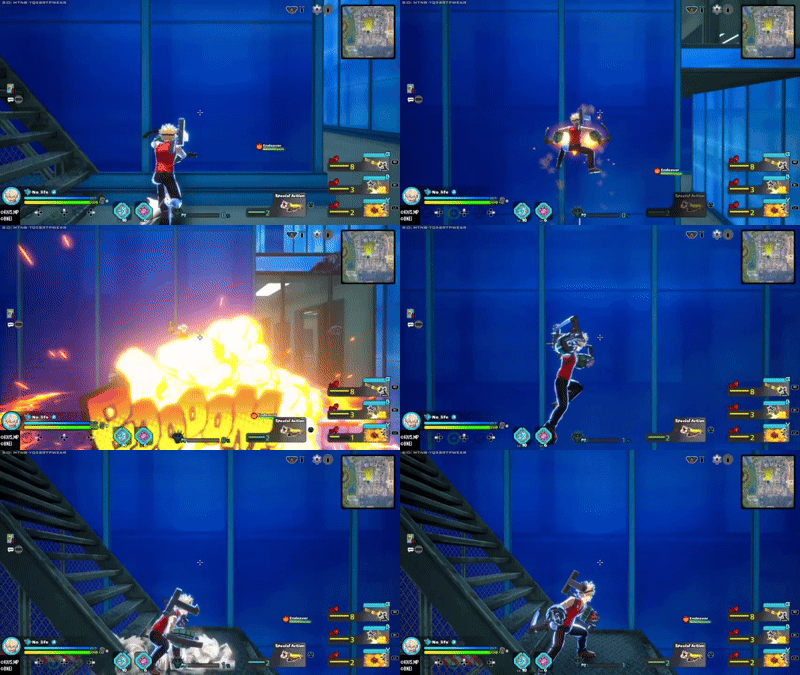
There is a tech done by manually ending your sprint and inputting a grounded action at the same time that lets you use some grounded moves on a wall. Here are a few examples. However in practice few of these are actually that useful but keep an eye out for these strategies in the character guides.
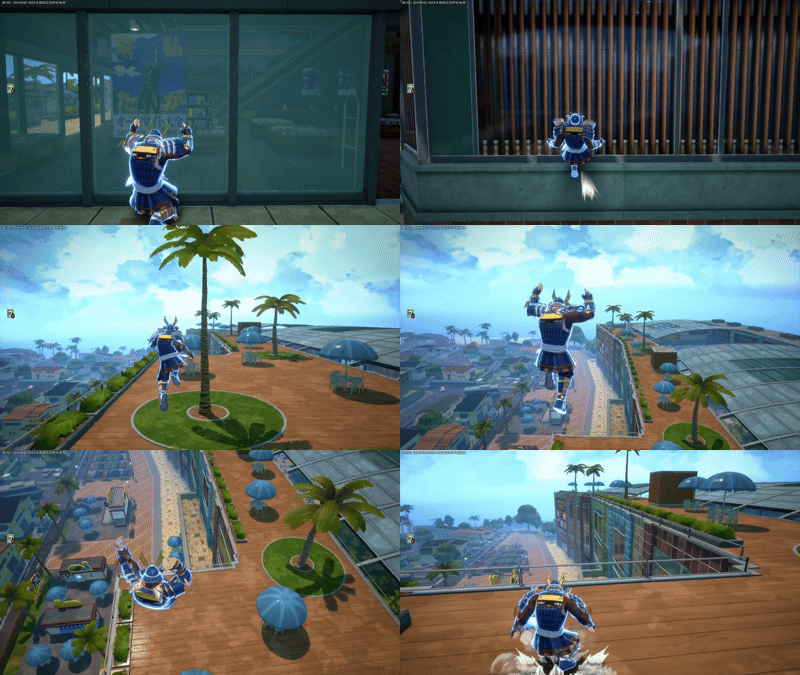
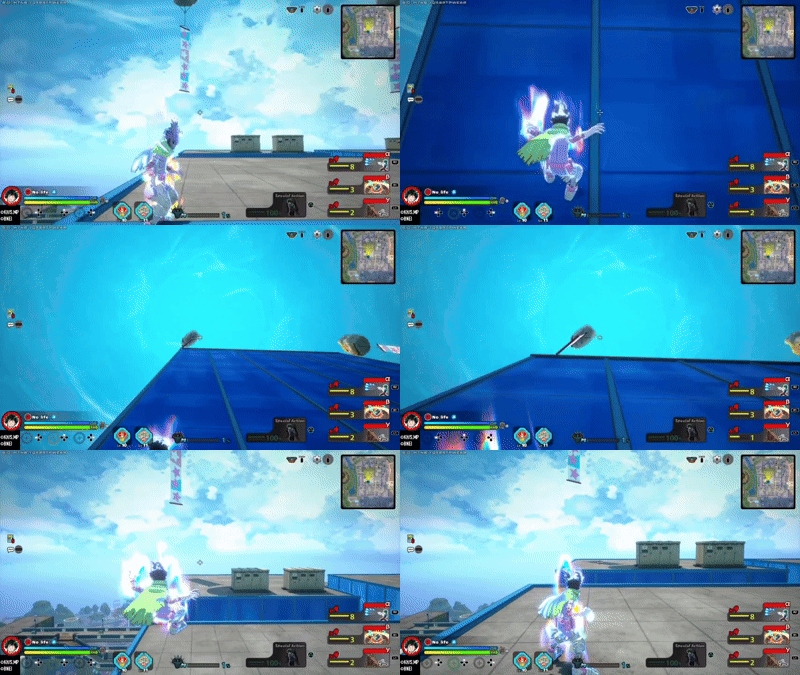
For flight-based characters it's recommended to turn auto dash on if you plan on combining them with wall runner. Flight and wall run have issues when trying to attach to a wall that makes the combination hard to manage but turning on auto dash fixes this issue since you immediately start wall running upon grabbing onto the wall, skipping the dash input entirely.