MISCELLANEOUS: Additional Rewards, Currencies, Player Profile, Buddy List and more!
In this sub-guide we will cover a bunch of smaller things that aren't deep enough to make a whole page for.
Additional Rewards
In the Play Screen there's a button called "Notifications", here you can see both people that joined your agency and invites from other players to their party. However, sometimes you can also find rewards, mostly league rewards or from special events like anniversary, anime episode releases (mostly applies to the Vigilantes anime now).
Login Bonus
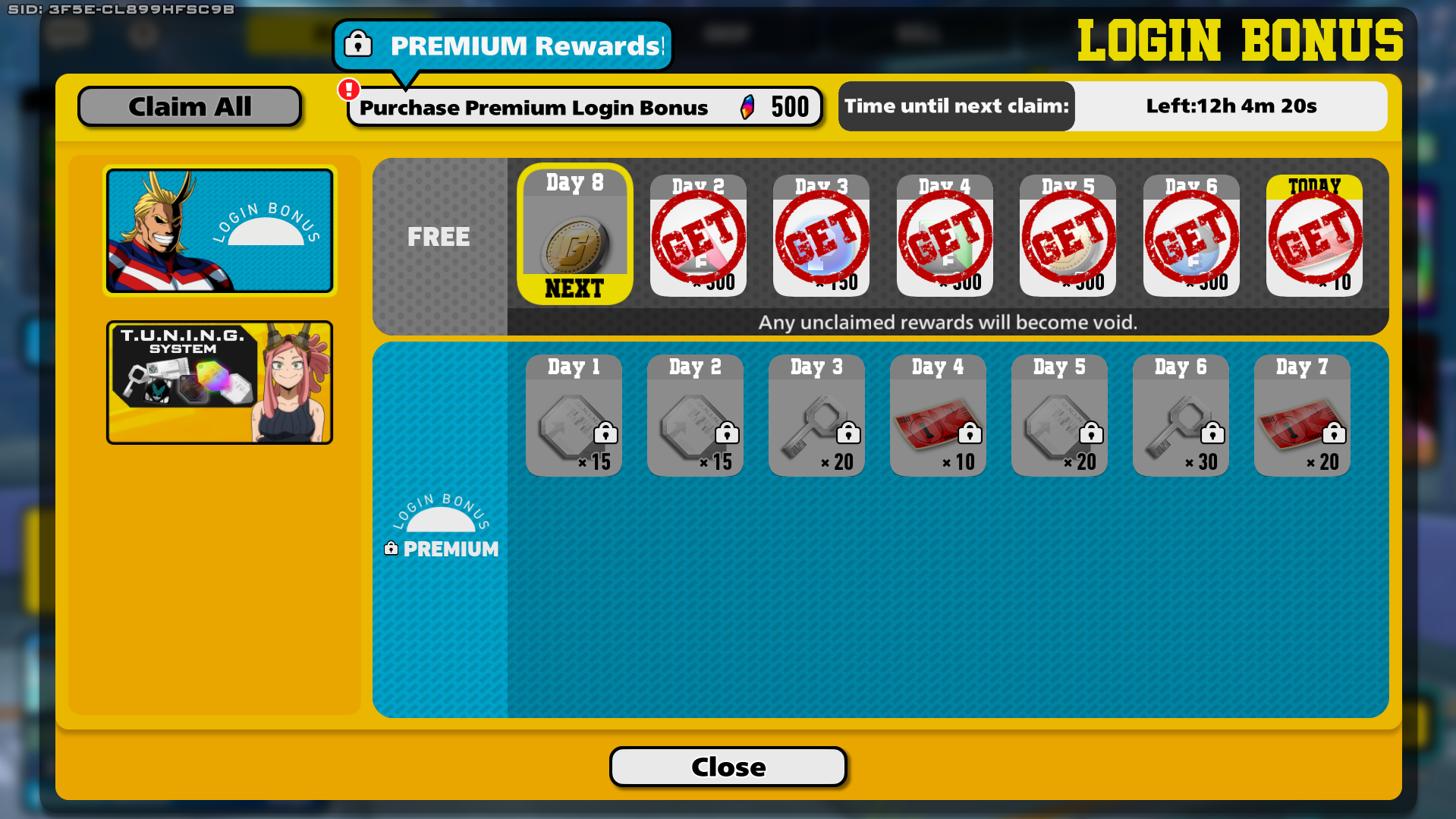
Every day you can claim a login bonus reward. If you miss one, it won't be skipped, you will just be late to the reward, but you will have to wait an extra day for the next one that otherwise you'd have obtained that same day. You can spend 500 Hero Crystals to unlock the Premium Login Bonus for that week, which gives more Roll Tickets and Slot Unlock Keys, if you have more than 13000 Crystals, this is a good investment!
You can also find Special Login Bonuses that appear from time to time and often give 10 tickets every day for a week, these often come with a character or battle style release.
New players will also see the TUNING Login Bonus, which will allow you to obtain some Character Data early for TUNING.
Currencies
 |
Gold My Hero Ultra Rumble's most basic currency and resource. Used to buy minor things such as some emotes, recolors, My Banner pictures, My Banner slots, and little more. |
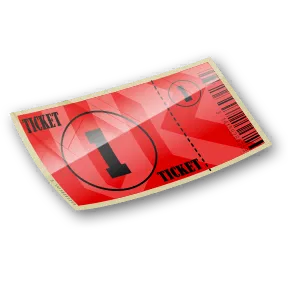 |
Roll Ticket A valuable currency that is solely used to roll in gacha banners. This is the currency you want to have lots of to unlock new battle styles and costumes. |
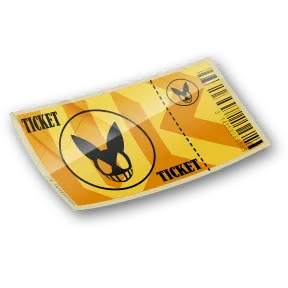 |
Character Ticket A special type of ticket you can use directly on a character to permanently unlock them. Only works on a certain group of characters. For more info onto which characters this works on, visit the Character Unlock guide! |
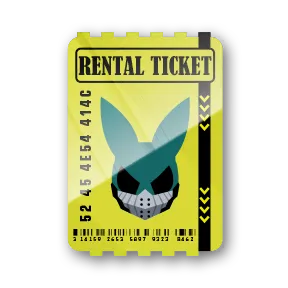 |
Rental Ticket A special type of ticket that regenerates every 8 hours and you can only have a maximum of 3 at a given time. These are used to play Original Battle Styles for free outside Training Mode. Normally, characters only consume 1 rental ticket, allowing you to do this 3 times a day. However, original battle styles released in the current season take 3, and those released in the previous season take 2. |
 |
Agency Point Used to level up the different parts of an agency and get higher EXP, Gold and Contribution Points multipliers. |
 |
Gallery Pieces Used to unlock Gallery Images. There are 3 types of these: Red, Green and Blue. |
 |
Hero Crystals The game's premium currency, though you can obtain it without paying from events or from the Hero/Pro License. These can also be used to roll on banners or buy experience for the licenses, though this last use is extremely discouraged. |
 |
Hero Souls A special type of currency you get from duplicate items or unspent exchange points from the gacha. These are mainly used to either unlock PUR color variants of costumes (very useful to have more tuning options) or to buy tuning materials or nameplates in the standard shop. |
 |
Event Currency Event-Only currencies used to exchange them for other goods in event shops. These currencies can be easily identified by the E engraved on them. |
 |
Slot Unlock Key Keys to unlock costume tuning slots. C/R Costumes consume 1 per slot, SR costumes consume 5, while PUR costumes consume 50 per slot. These keys are more expensive than irl housing, so use them wisely. |
 |
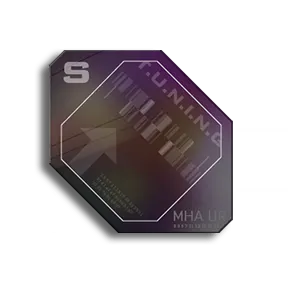
Tuning Slot Enhancement Part A small resource used to level up a costume's normal tunes. Follows the same "Cost per costume tier" as Slot Keys. |
 |
Special Tuning Slot Enhancement Part An overshadowed resource with an unnecessarily long name. These are used to level up a costume's special tunes on C, R and SR costumes. |
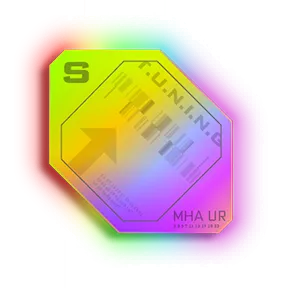 |
Special Tuning Slot Enhancement Part PUR Also known as Rainbow Pieces, these are used to level up the special tunes from PUR costumes. |
| Character Data This resource appears like a colorful frame with a character's face in the middle. These are used to add a normal or special tune to a costume. Normal tunes use 50 character data, while special ones use 100. You get these by playing matches. |
|
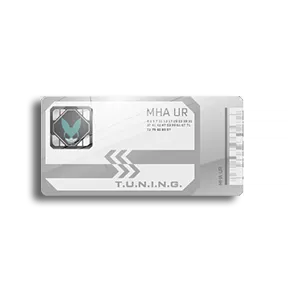 |
Character Data Exchange Ticket Works just like the previous item, except this one is like a Wild Card. If you dont have enough Cementoss Data to set his normal or special tune, you can pay the rest with these Character Data Exchange Tickets, so long as it's a character you own. |
Player Profile
This can be accessed from the "Menu" Screen and is split into 5 sections.
Profile
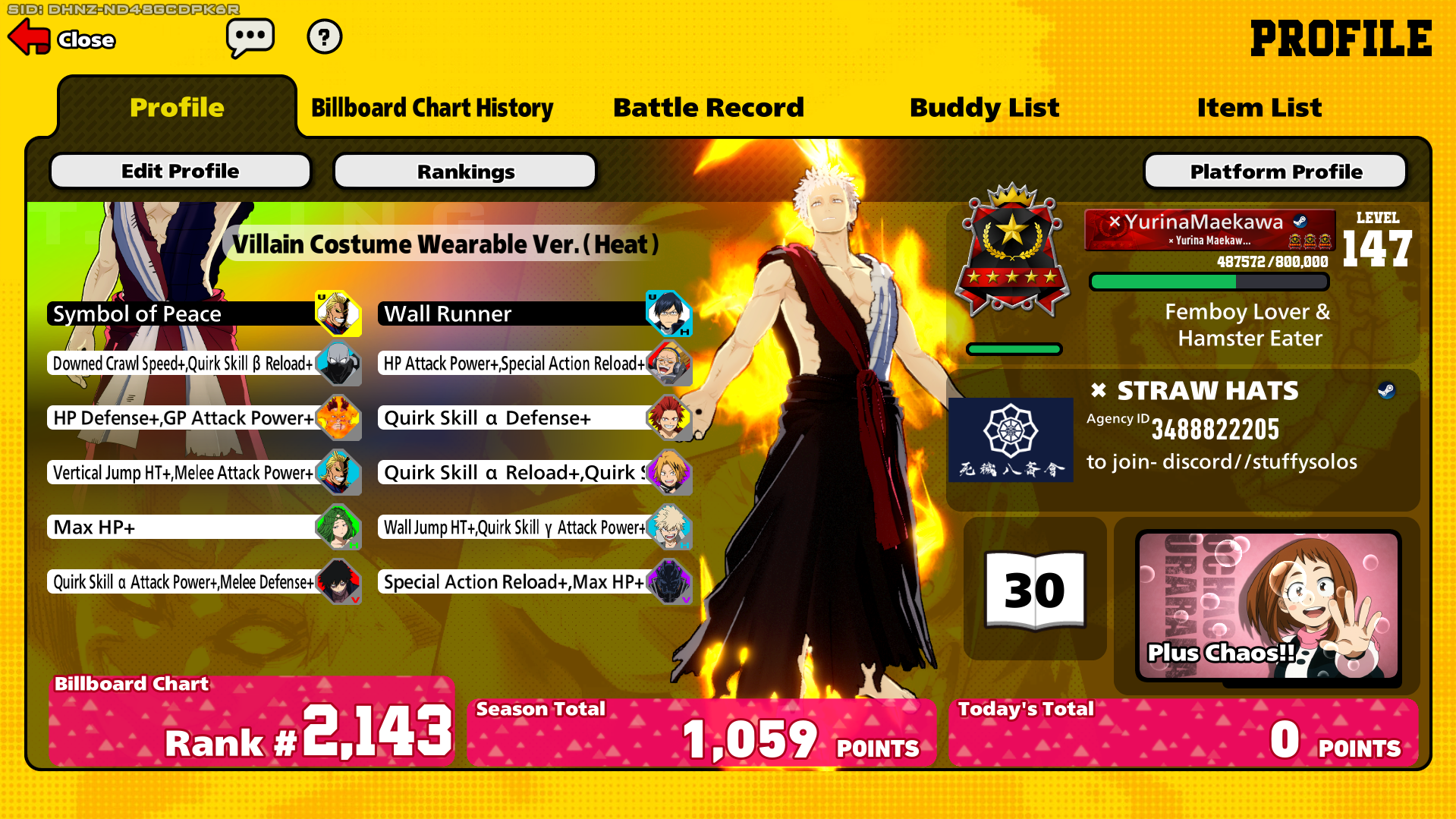
This bit displays the character you're playing as, their build, the costume you're using, the agency you belong to, your Research Notebook level, your "My Banner", your rank (both your numerical ranking place and the actual rank you're in), the nameplate you're using, and your Player Level, which you increase by simply playing matches and serve as an indicator of seniority/veterancy.
You can edit your profile by clicking the "Edit Profile" button, this will show 5 options:
- Player Name: This is used to change your name, which must be within 14 characters long and use up to 6 numbers.
- Change Nameplaye: Here you can view all your nameplates and select the one you want to display publicly.
- Edit Bio: Here you can edit your bio. You can use a maximum of 30 characters.
- Customize Character: This simply sends you to the Customize Character screen for the character you have currently selected.
-
My Banner: This simply sends you to the My Banner screen.
Billboard Chart History
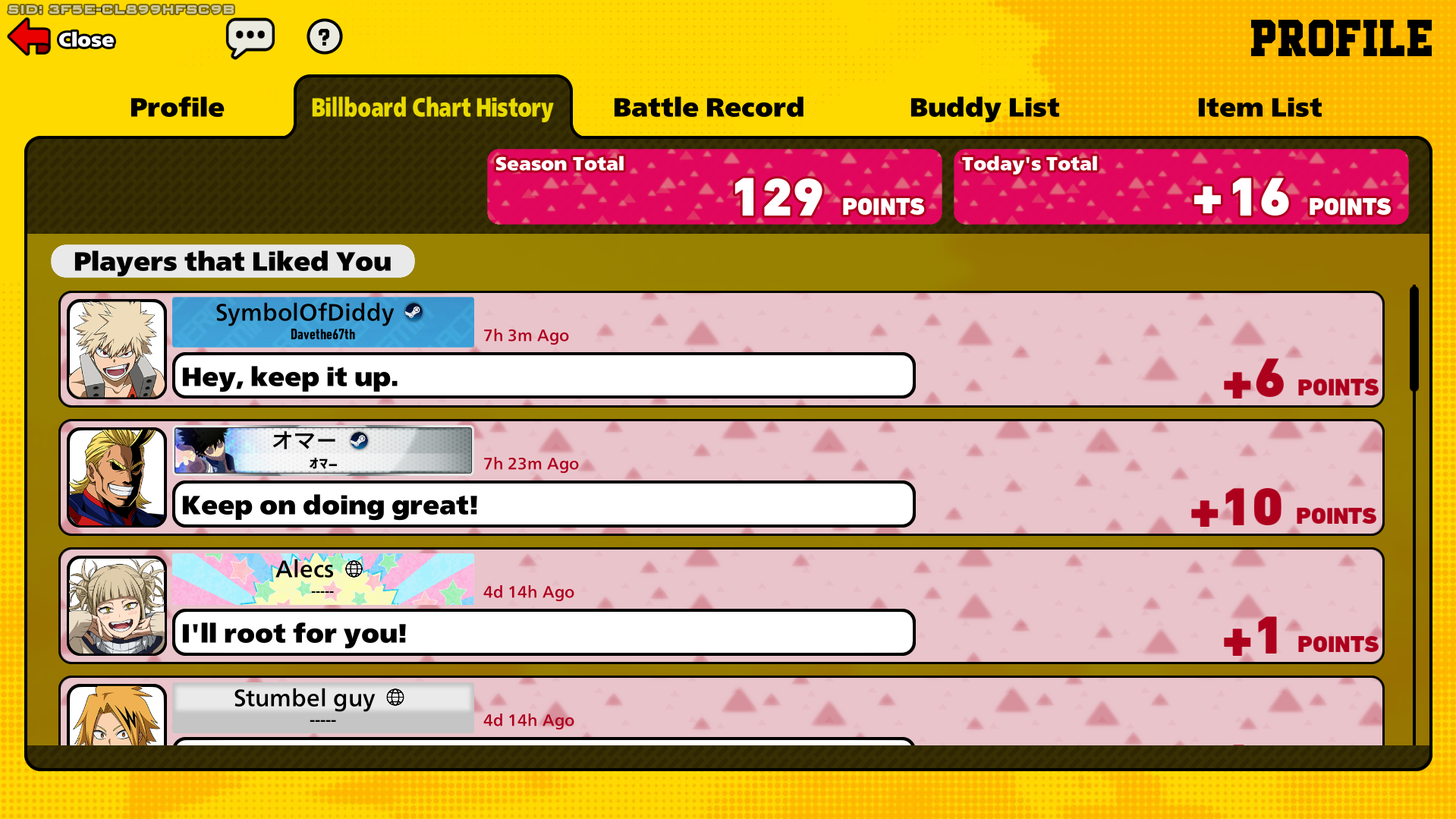
Here you can see the people that have recently given you "Likes", as well as how many, and how many you've received both today and throughout the season.
Battle Record
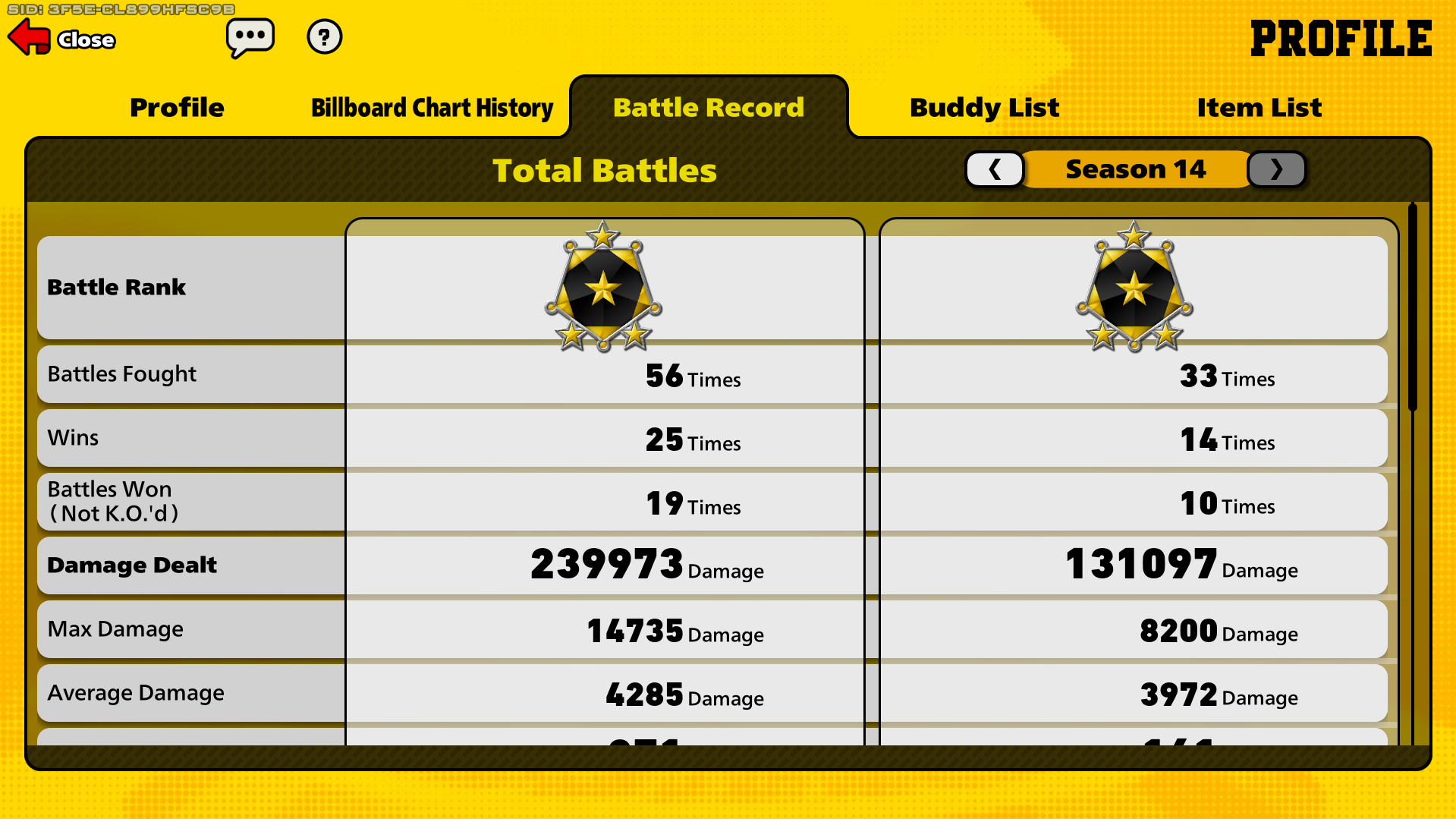
Here you can see your ranked stats, which are also public for others to see if they visit your profile from the Lobby. You can see your stats for all seasons, these stats are:
- Battles Fought
- Wins
- Battles Won (Not K.O.'d)
- Damage Dealt
- Max Damage
- Average Damage
- K.o.s Inflicted
- K.O.s Received
- K.O. Ratio: The average amount of KOs you inflict before being killed.
- K.O. Assists: KOs you contributed to but whose DOWN were inflicted by a teammate. ...and more!
The left column represents the total (or average for some of the stats) across all seasons, while the right column has the stats for the current season. You can use the arrows at the top to check previous seasons. One's profile is often checked to know the enemy or teammate's level of performance, usually looking at KO ratio and damage stats. Though, keep in mind this system is not perfect, as some might have inflated stats from bot lobbies, or lower stats due to playing characters they're less well versed with for the sake of fun.
Buddy List
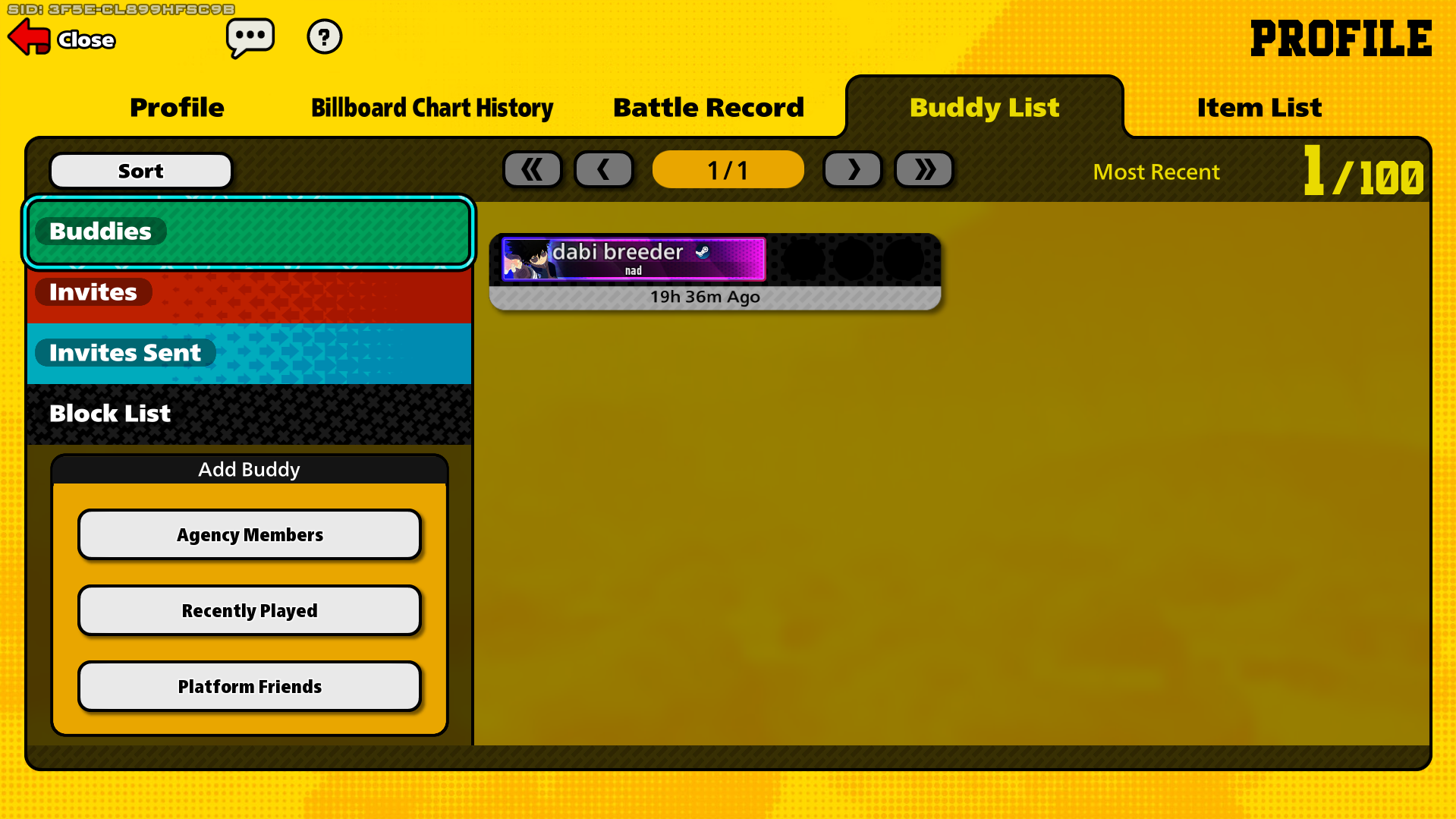
Here you can see all the friends you have added, the invites you have (though it's better to check this in the Notifications button in the Play Screen), the invites you've sent, the people you have blocked (AKA, the people that you won't be put in the same party as so long as you are the host). You can also see your agency's members, the people you've recently played with (that were on your team), and platform friends that you have added to playstation, xbox, switch or steam.
Item List
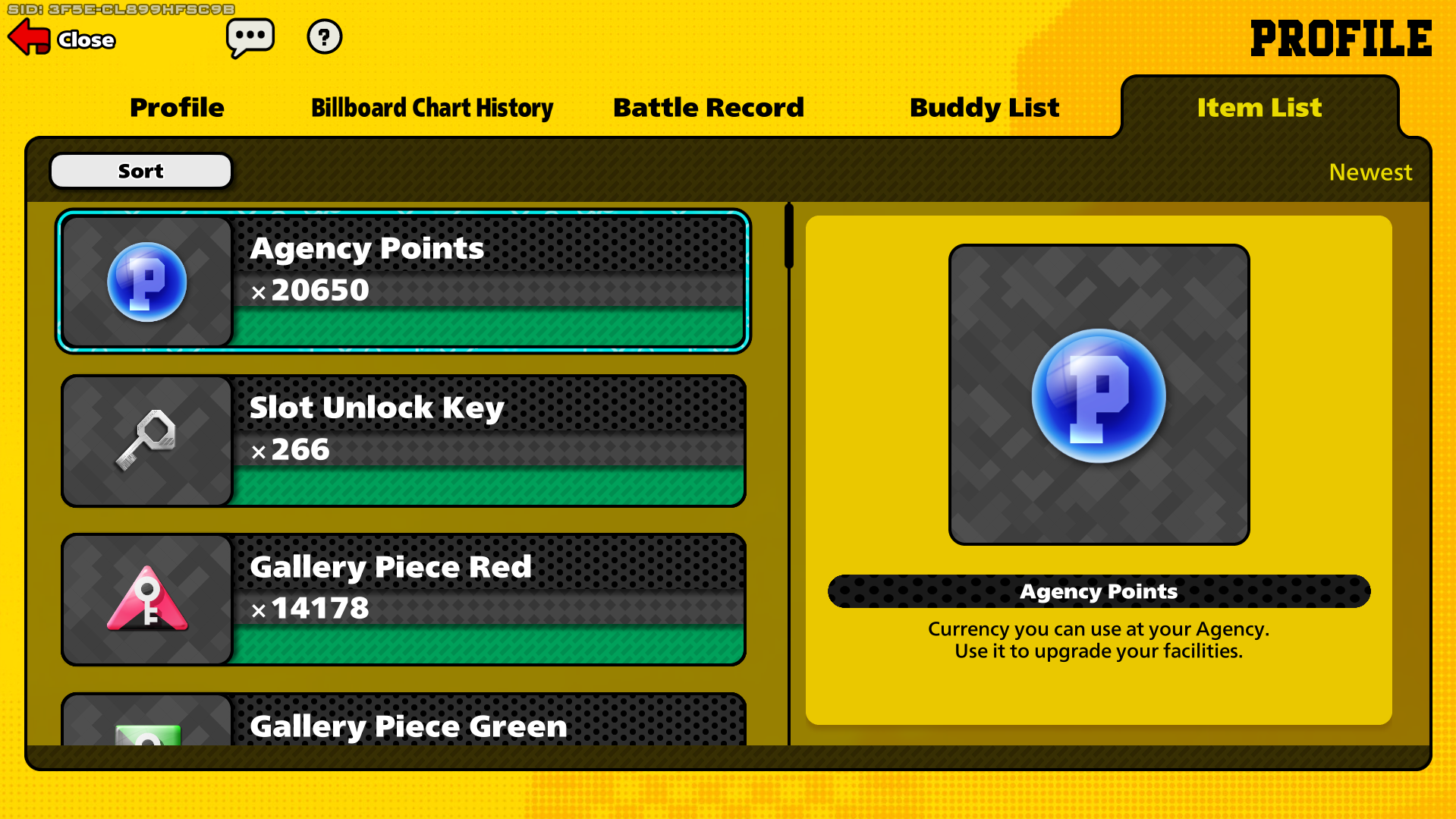
The list of all the resources you own.